
SubGetPro
Add accurate, multilingual subtitles to videos - fast, right in your browser.
Product Demo Video
Screenshots

Distribution Score: 50/100 What is this? ⓘ
What is SubGetPro?
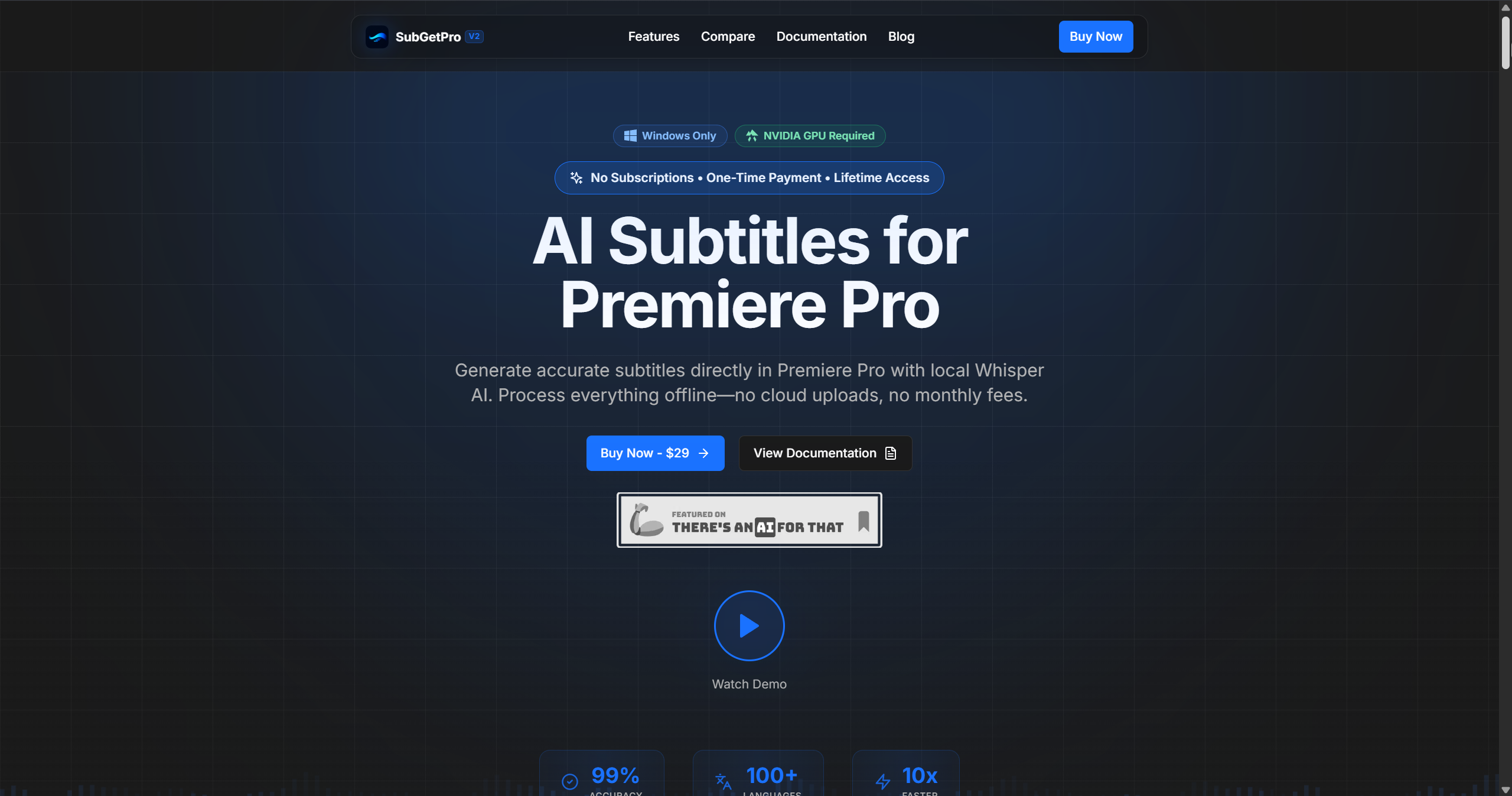
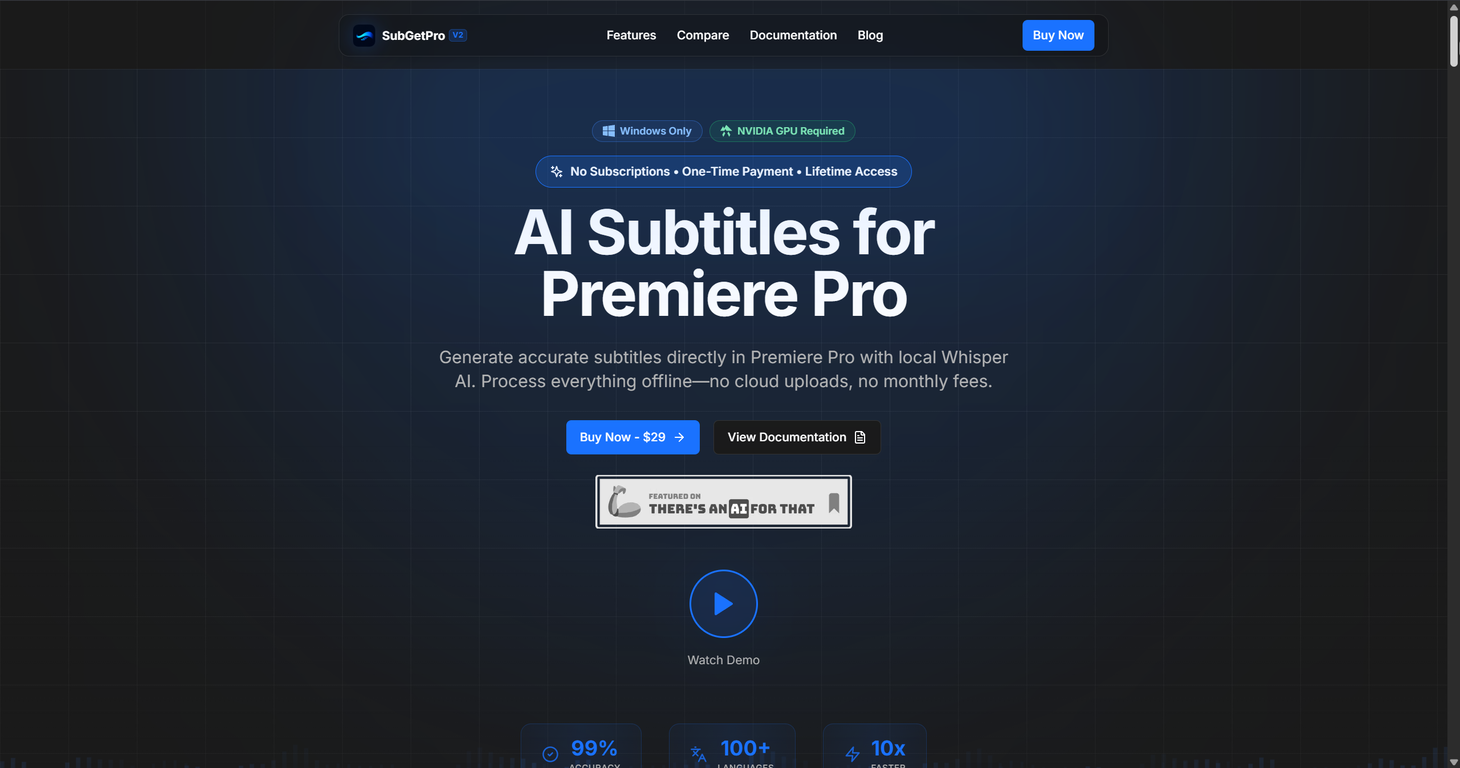
SubGetPro is an AI-powered subtitling tool designed for Adobe Premiere Pro. It allows users to generate precise subtitles through a process which is entirely handled offline, ensuring privacy and security concerns are met.
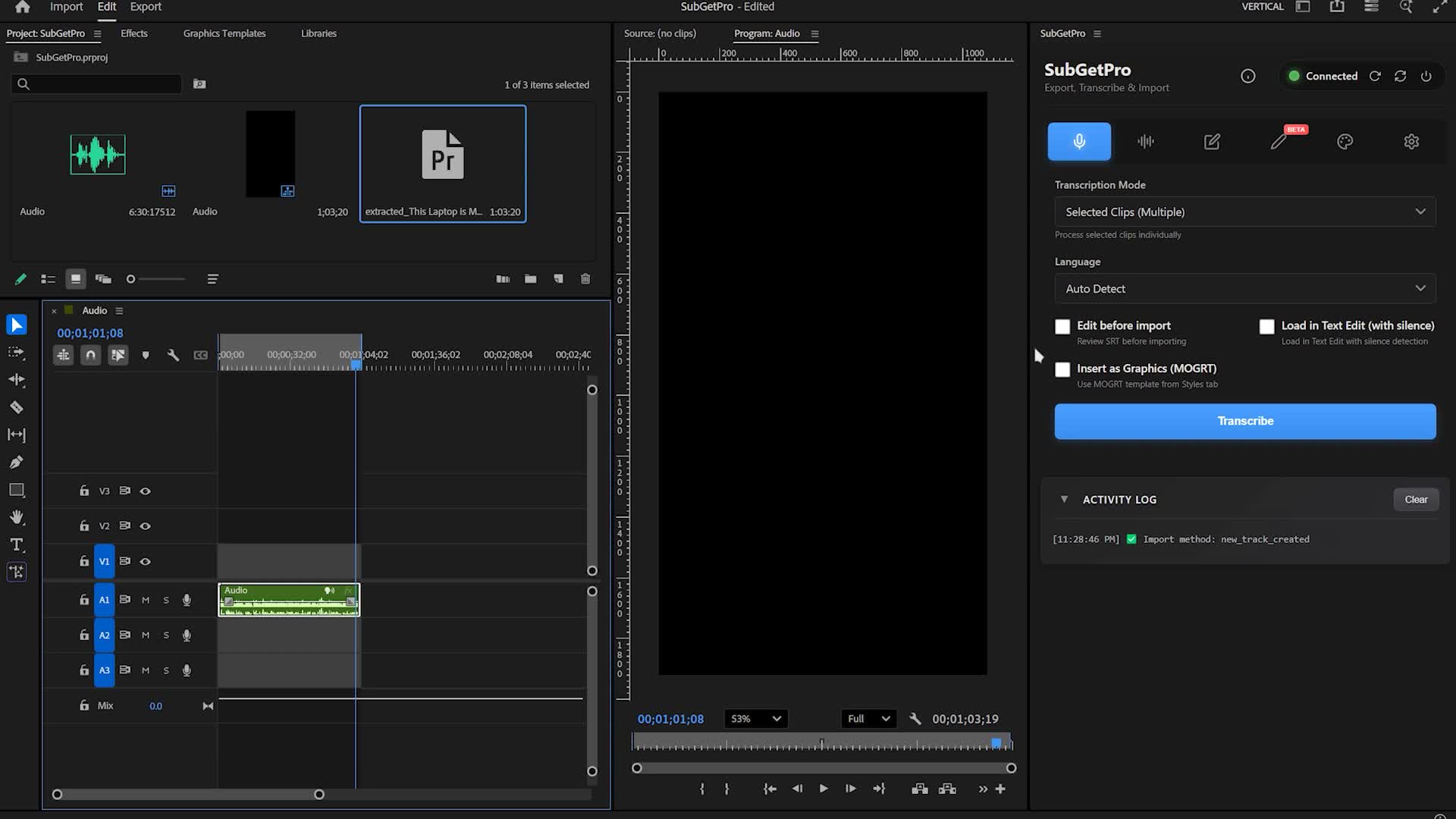
As an alternative to tools like Firecut, AutoPod, and Descript, SubGetPro provides a broad scope of functionality, including one-click transcription, silence detection, a full-featured SRT editor, and customization of captions with the help of Motion Graphics templates.
It also includes support for right-to-left (RTL) languages such as Arabic, Persian, and Urdu, among 100+ other languages. OpenAI's Whisper AI is utilized in the transcription process, giving the product a high rate of accuracy.
The tool's other significant features include real-time track scanning, drag and drop editing for easier subtitle manipulation, timeline-based direct subtitle import, GPU acceleration for faster processing, and a customizable settings panel to fine tune user workflow.
Importantly, the tool is structured to work even after the initial setup without needing internet connectivity. Lastly, its straightforward workflow makes is accessible to fresh and experienced users alike, requiring minimal learning curve.
SubGetPro's one-time $29 pricing model addresses the subscription fatigue problem that has emerged in the professional video editing tool market: most AI transcription and captioning tools charge monthly recurring fees that add up significantly for editors who need subtitles intermittently rather than continuously.
A single upfront payment with no recurring cost changes the economic calculus for video editors who caption projects periodicallythe tool pays for itself after the first project that would otherwise have required a monthly subscription or per-video payment.
The offline processing architectureusing a locally installed Whisper AI model rather than cloud transcriptionprovides two practical advantages beyond privacy.
Learn this stack in Academy
Get implementation playbooks for tools like SubGetPro in guided Academy lessons. Start free, then unlock the full library with Learner.
Open Academy →Release History

Pricing details on provider page.
SEOGANT Expert Verdict
SubGetPro is an AI-powered subtitling tool designed for Adobe Premiere Pro. It allows users to generate precise subtitles through a process which is entirely handled offline, ensuring privacy and security concerns are met. As an alternative to tools like Firecut, AutoPod, and Descript, SubGetPro provides a broad scope of functionality, including one-click transcription, silence detection, a full-featured SRT editor, and customization of captions with the help of Motion Graphics templates. It also includes support for right-to-left (RTL) languages such as Arabic, Persian, and Urdu, among 100+ other languages. OpenAI's Whisper AI is utilized in the transcription process, giving the product a high rate of accuracy. The tool's other significant features include real-time track scanning, drag and drop editing for easier subtitle manipulation, timeline-based direct subtitle import, GPU acceleration for faster processing, and a customizable settings panel to fine tune user workflow. Importantly, the tool is structured to work even after the initial setup without needing internet connectivity. Lastly, its straightforward workflow makes is accessible to fresh and experienced users alike, requiring minimal learning curve.
Distribution Score 50/100 based on SEO presence, traffic quality, affiliate program, community size, and churn resistance.
Similar AI Tools
Frequently Asked Questions
Founder
Comments (0)
Sign in to join the discussion.