
Remove Text From Video.net
AI video text and object remover for cleaner content.
Product Demo Video
Screenshots


Distribution Score: 50/100 What is this? ⓘ
What is Remove Text From Video.net?
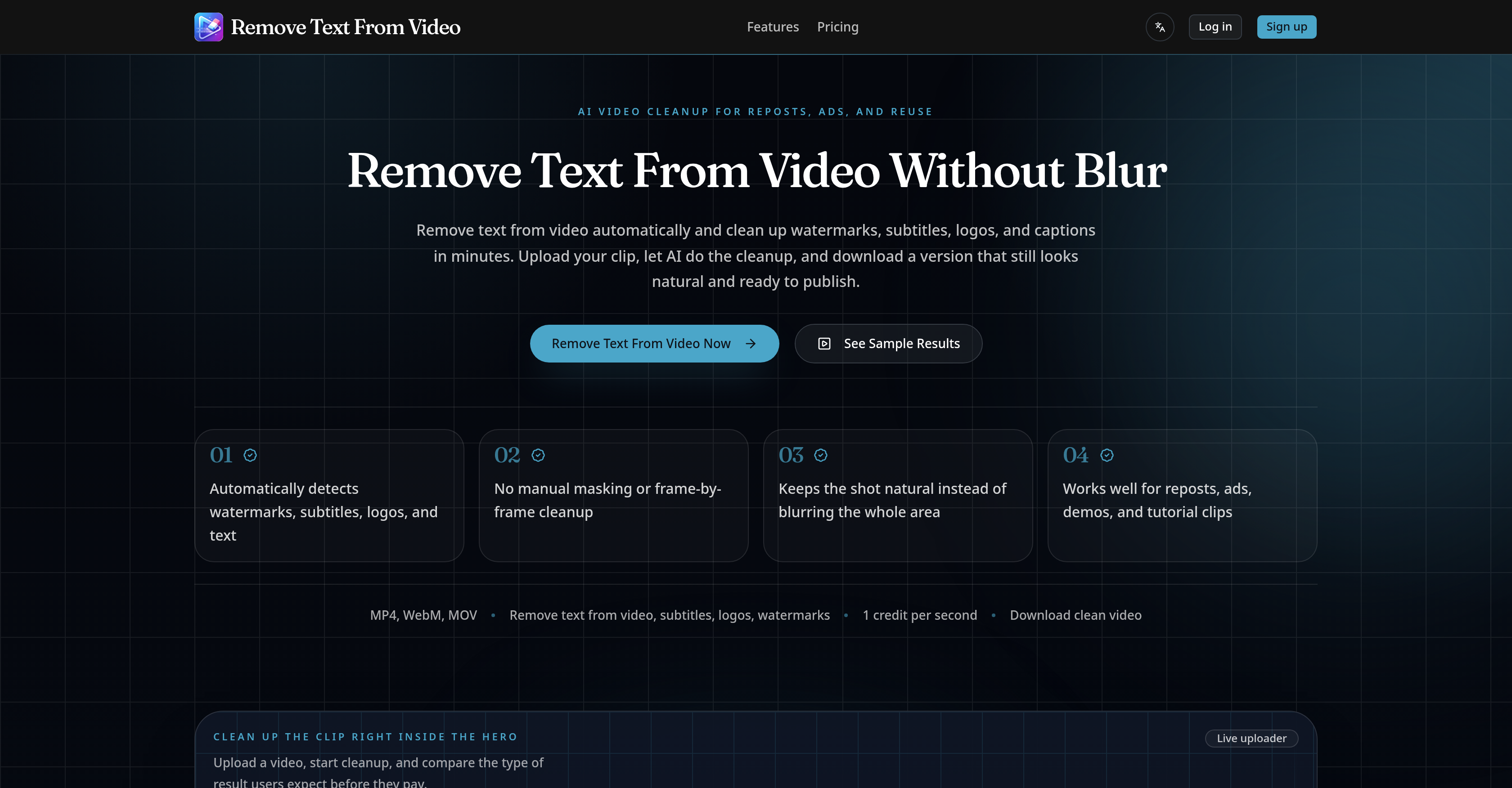
This AI-powered tool is designed to remove text from videos automatically, notably cleaning up watermarks, subtitles, logos, and captions in a matter of minutes.
The tool ensures the cleaned-up video looks natural and remains publication-ready, eliminating the need for manual masking or frame-by-frame cleanup. It is capable of handling various formats, including MP4, WebM, and MOV.
The AI not only removes text but also detects and cleans distracting areas found in videos. This function is particularly handy when dealing with mixed overlays of text, subtitles, logos, and watermarks concurrently.
Unlike other tools that might resort to heavy blurring, this tool makes the video scene look natural while removing the unwanted text, ensuring the end result is suitable for editing, reposting, and advertising.
The tool is also versatile and can facilitate the removal of text for various reuse needs such as the cleanup of short-form reposts on platforms like TikTok, Reels, and Shorts.
It can remove burned-in subtitles from talking-head clips to make them easier to localize or re-edit. Brands can use it to remove distracting corner logos or labels from product demo videos.
It's an ideal tool for cleaning up old tutorial footage, user-generated content ads, and archived footage where titles, captions, or lower-thirds are no longer applicable.Removing text from a video is as simple as uploading the desired video, letting the AI do the cleanup, and downloading the cleaned-up version ready for reuse.
The tool is designed for teams and individual users who need to clean video clips for reposting or repurposing.
Learn this stack in Academy
Get implementation playbooks for tools like Remove Text From Video.net in guided Academy lessons. Start free, then unlock the full library with Learner.
Open Academy →Release History

Pricing details on provider page.
SEOGANT Expert Verdict
This AI-powered tool is designed to remove text from videos automatically, notably cleaning up watermarks, subtitles, logos, and captions in a matter of minutes. The tool ensures the cleaned-up video looks natural and remains publication-ready, eliminating the need for manual masking or frame-by-frame cleanup. It is capable of handling various formats, including MP4, WebM, and MOV. The AI not only removes text but also detects and cleans distracting areas found in videos. This function is particularly handy when dealing with mixed overlays of text, subtitles, logos, and watermarks concurrently. Unlike other tools that might resort to heavy blurring, this tool makes the video scene look natural while removing the unwanted text, ensuring the end result is suitable for editing, reposting, and advertising. The tool is also versatile and can facilitate the removal of text for various reuse needs such as the cleanup of short-form reposts on platforms like TikTok, Reels, and Shorts. It can remove burned-in subtitles from talking-head clips to make them easier to localize or re-edit. Brands can use it to remove distracting corner logos or labels from product demo videos. It's an ideal tool for cleaning up old tutorial footage, user-generated content ads, and archived footage where titles, captions, or lower-thirds are no longer applicable.Removing text from a video is as simple as uploading the desired video, letting the AI do the cleanup, and downloading the cleaned-up version ready for reuse. The tool is designed for teams and individual users who need to clean video clips for reposting or repurposing.
Distribution Score 50/100 based on SEO presence, traffic quality, affiliate program, community size, and churn resistance.
Similar AI Tools

Frequently Asked Questions
Founder
Comments (0)
Sign in to join the discussion.